See your PC at a glance.
Bring processor, memory, storage and operating-system information into a dashboard that is easy to read.
System information, network tools, startup controls and everyday Windows utilities — brought together in one clean desktop experience.
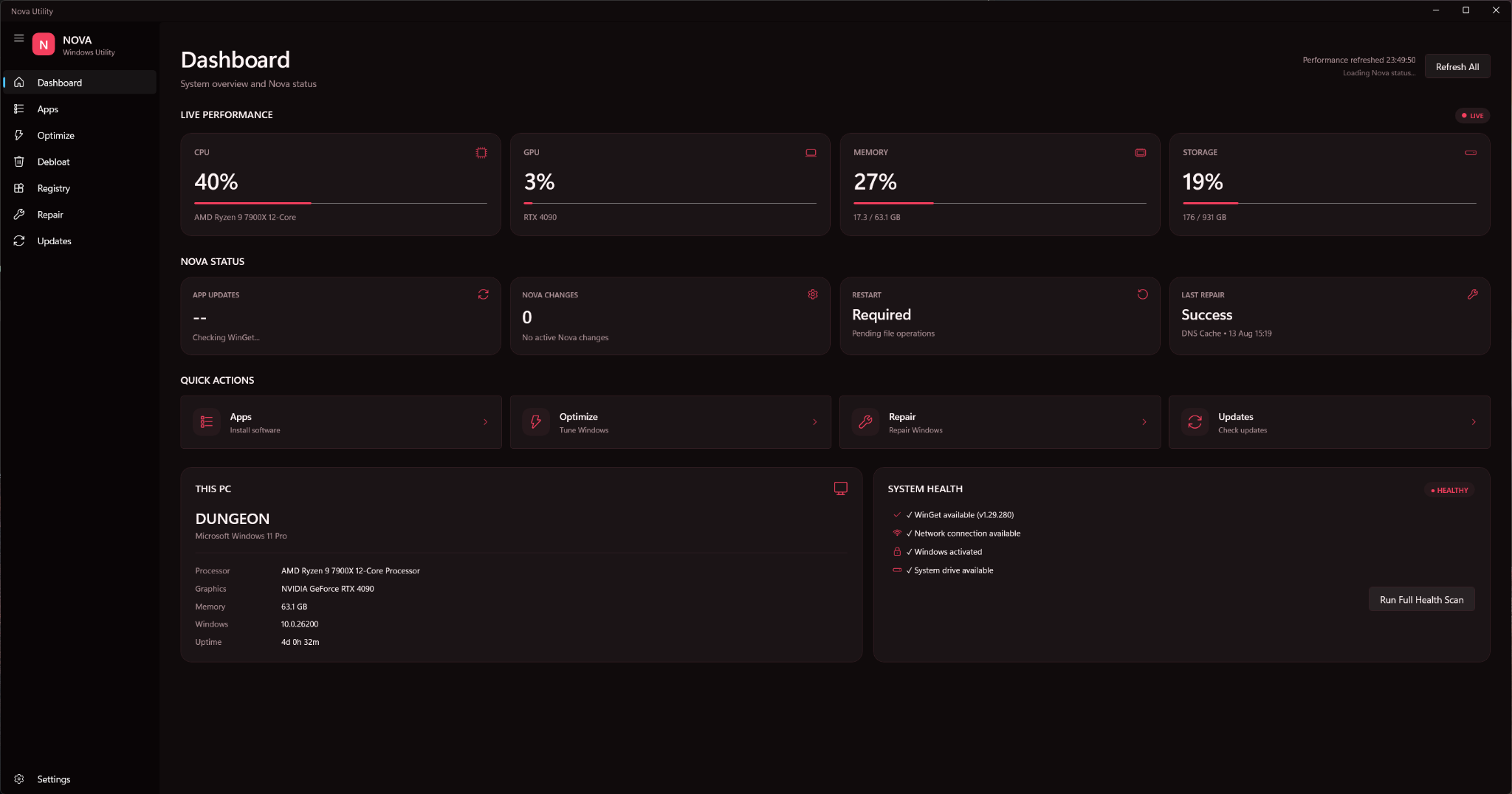
NovaUtility gives commonly used Windows tasks a consistent interface so you can spend less time searching through menus.
Bring processor, memory, storage and operating-system information into a dashboard that is easy to read.
View adapter and connectivity information without digging through Windows settings.
Put useful maintenance and Windows actions one click away.
Review startup items in a clearer interface and keep boot-time apps organised.
NovaUtility is structured around a consistent design language, making it easy to add new utilities without turning the app into a maze.
No concept renders here. Explore the actual NovaUtility interface and see how monitoring, optimization and repair tools fit into one consistent experience.
See live CPU, GPU, memory and storage usage alongside Nova status, quick actions and system-health checks.
Windows already has powerful utilities. NovaUtility is about bringing useful information and actions into a cleaner, more consistent workflow.
One consistent homeJump between tools without changing design language.
Clearer presentationImportant information is given visual hierarchy.
Built to expandNew utilities can slot into the same interface over time.
If NovaUtility makes your day a little easier, consider a voluntary donation to support its continued development.
Every contribution is appreciated. Donating is entirely optional.
Donate with PayPal Opens PayPal in a new tab. Thank you for your support.Everything you need to know before downloading NovaUtility.
NovaUtility is being built for modern Windows systems, with Windows 10 and Windows 11 as the primary targets.
You can support continued development with an optional donation through the support section. Sharing NovaUtility and giving feedback also helps.
Yes. The application is designed to grow as new utilities and improvements are added.
Download NovaUtility and explore the toolkit.
Windows x64